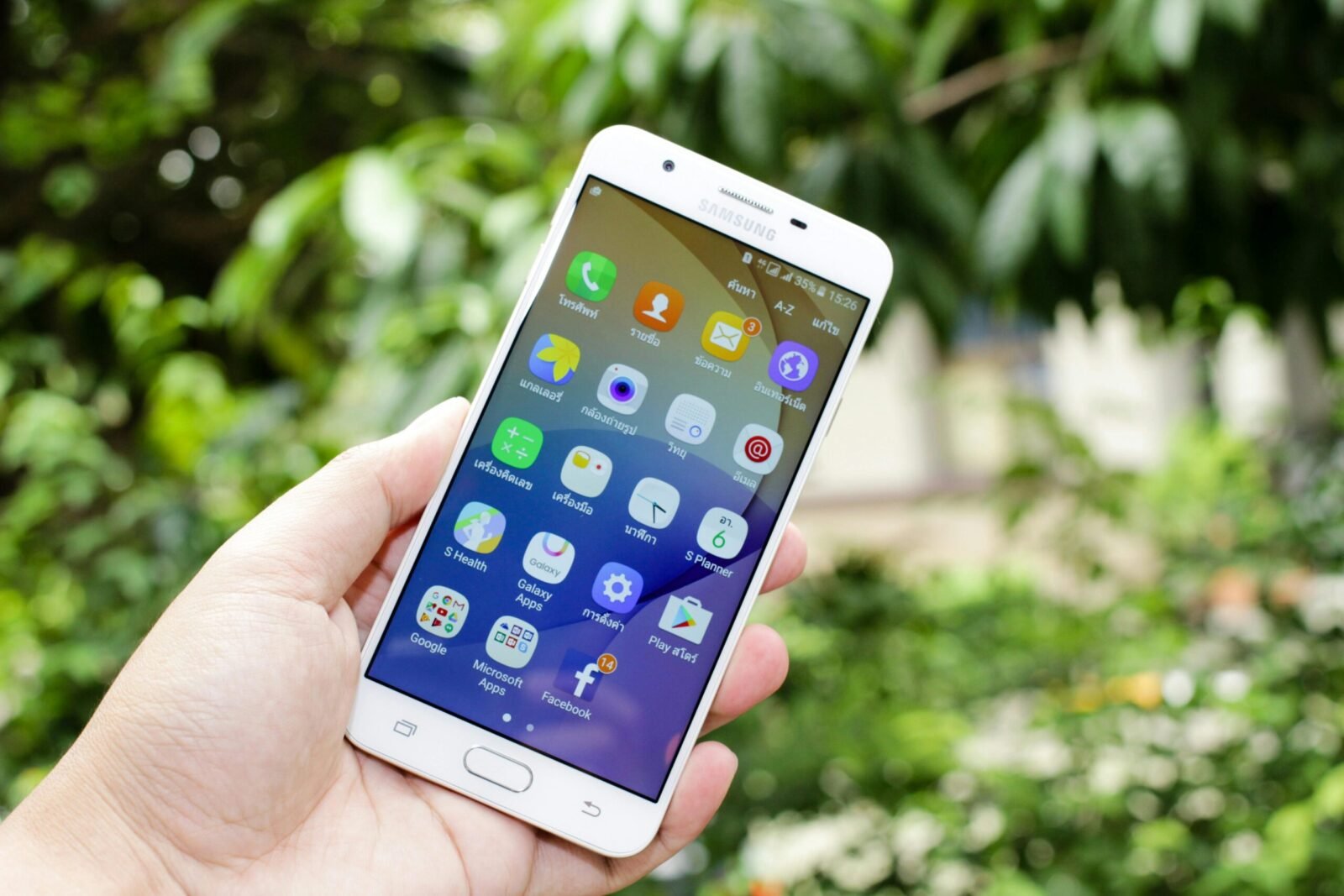
The top study apps that improve grades for students in the USA in 2026 combine proven techniques like spaced repetition, active recall, AI assistance, focus tools, and organization to help with retention, understanding, time management, and exam prep. Many are free (or have strong free tiers), student-friendly, and backed by millions of users—often recommended by college advisors, Reddit communities, and education sites like Sproutern, College Raptor, and recent 2026 guides.
These apps target key areas: flashcards for memorization (boosts retention 200%+ via spaced repetition), note-taking for better organization, focus timers to combat distractions, AI for explanations/summaries, and content platforms for filling knowledge gaps. Consistent use (e.g., daily reviews, Pomodoro sessions) correlates with higher GPAs in studies and student reports.
Here are the top recommendations as of March 2026, drawn from expert roundups, student feedback, and trends emphasizing AI integration.
1. Anki (Best for Long-Term Memorization & Spaced Repetition)
The gold standard for deep learning, especially in STEM, pre-med, languages, or any heavy-memorization courses.
- Key Features: Custom flashcards with powerful spaced repetition algorithm (reviews material right before forgetting), supports images/audio/LaTeX, huge community decks (shared sets for textbooks/classes).
- How It Improves Grades: Forces active recall; users report massive score jumps on exams/tests (e.g., med students swear by it).
- Pricing: Free on desktop/Android; $25 one-time for iOS app.
- Best For: Students needing mastery over large volumes of facts (biology, vocab, formulas). Syncs across devices.
- Tip: Start with pre-made decks from AnkiWeb, then customize.
(Imagine a screenshot of Anki’s review interface with spaced cards here for illustration.)
2. Quizlet (Best for Quick Flashcards, Games & Pre-Made Sets)
User-friendly and popular for fast review—millions of student-created sets.
- Key Features: Flashcards, learn mode, games (Match/Gravity), tests/quizzes, diagram labeling; AI-powered explanations in newer versions.
- How It Improves Grades: Gamification makes studying fun; pre-made sets save time; great for cramming or daily reviews.
- Pricing: Free basic; Plus (~$36/year) removes ads/unlocks offline/AI features.
- Best For: Beginners, group study, vocab-heavy subjects (history, languages, intro sciences).
- Tip: Search for your textbook/course—someone’s likely uploaded a full set.
3. Notion (Best All-in-One Workspace & Organization)
Turns chaotic student life into a structured dashboard—widely used for notes, planners, and tracking.
- Key Features: Custom databases, wikis, to-do lists, calendars, embedded PDFs/videos; Notion AI for summarizing notes or generating outlines.
- How It Improves Grades: Keeps everything in one place (syllabi, assignments, study guides); reduces forgotten deadlines; AI helps clarify confusing topics.
- Pricing: Free for personal/education use (unlimited with .edu email).
- Best For: Students juggling multiple classes—build a “second brain” for the semester.
- Tip: Use student templates (e.g., class dashboard) from Notion’s gallery.
4. Forest (Best for Focus & Pomodoro-Style Productivity)
Combats phone distractions during study sessions.
- Key Features: Plant virtual trees that grow during focused time; if you leave the app, the tree dies; group study mode; stats/tracking.
- How It Improves Grades: Builds deep work habits; Pomodoro integration (25-min focus bursts) increases productivity and retention.
- Pricing: Free basic; premium (~$2–$4 one-time or subscription) adds tags/coins.
- Best For: Procrastinators or those easily distracted by social media.
- Tip: Pair with a physical timer for accountability.
5. Khan Academy (Best for Free Video Lessons & Practice)
Fills gaps in understanding with bite-sized, mastery-based content.
- Key Features: Thousands of videos, interactive exercises, progress tracking; covers math, science, history, econ, SAT/ACT prep.
- How It Improves Grades: Self-paced mastery (must get questions right to advance); excellent for supplementing lectures or catching up.
- Pricing: Completely free.
- Best For: STEM students, test prep, or anyone struggling with concepts.
- Tip: Use the app for offline downloads during commutes.
Other Notable Top Apps in 2026
- Otter.ai — AI transcribes lectures, summarizes notes, generates key points/questions; great for Zoom classes or recordings.
- Grammarly — Polishes essays/papers; catches errors and suggests improvements (free version sufficient for most).
- Todoist or TickTick — Task management with reminders/deadlines; integrates Pomodoro/calendar.
- ChatGPT / Claude / NotebookLM — AI tutors: explain concepts, quiz you, summarize readings, generate practice questions.
- GoodNotes or Notability (iPad-focused) — Handwritten digital notes with audio sync; ideal for tablet users.
How to Choose & Maximize These Apps for Better Grades
- Memorization-heavy classes → Anki or Quizlet first.
- Organization & planning → Notion + Todoist/TickTick.
- Focus issues → Forest or similar Pomodoro apps.
- Understanding gaps → Khan Academy + AI tools like ChatGPT.
- General tips:
- Start with 2–3 apps to avoid overload.
- Use student discounts/free tiers (e.g., Notion education plan).
- Track progress—many apps show streaks/stats to motivate.
- Combine: e.g., Notion for planning + Anki for review + Forest for sessions.
- Study actively: Don’t just read—test yourself regularly.
These apps are realistic game-changers in 2026, with AI making them smarter than ever. Download a couple today, integrate into your routine, and watch your grades (and confidence) improve. Check app stores or official sites for the latest features/updates—many evolve quickly! You’ve got the tools—now crush those classes.